Pygame in CodeRoom – Interactive Programming in the Browser
Pygame in CodeRoom
Interactive Python projects directly in the browser
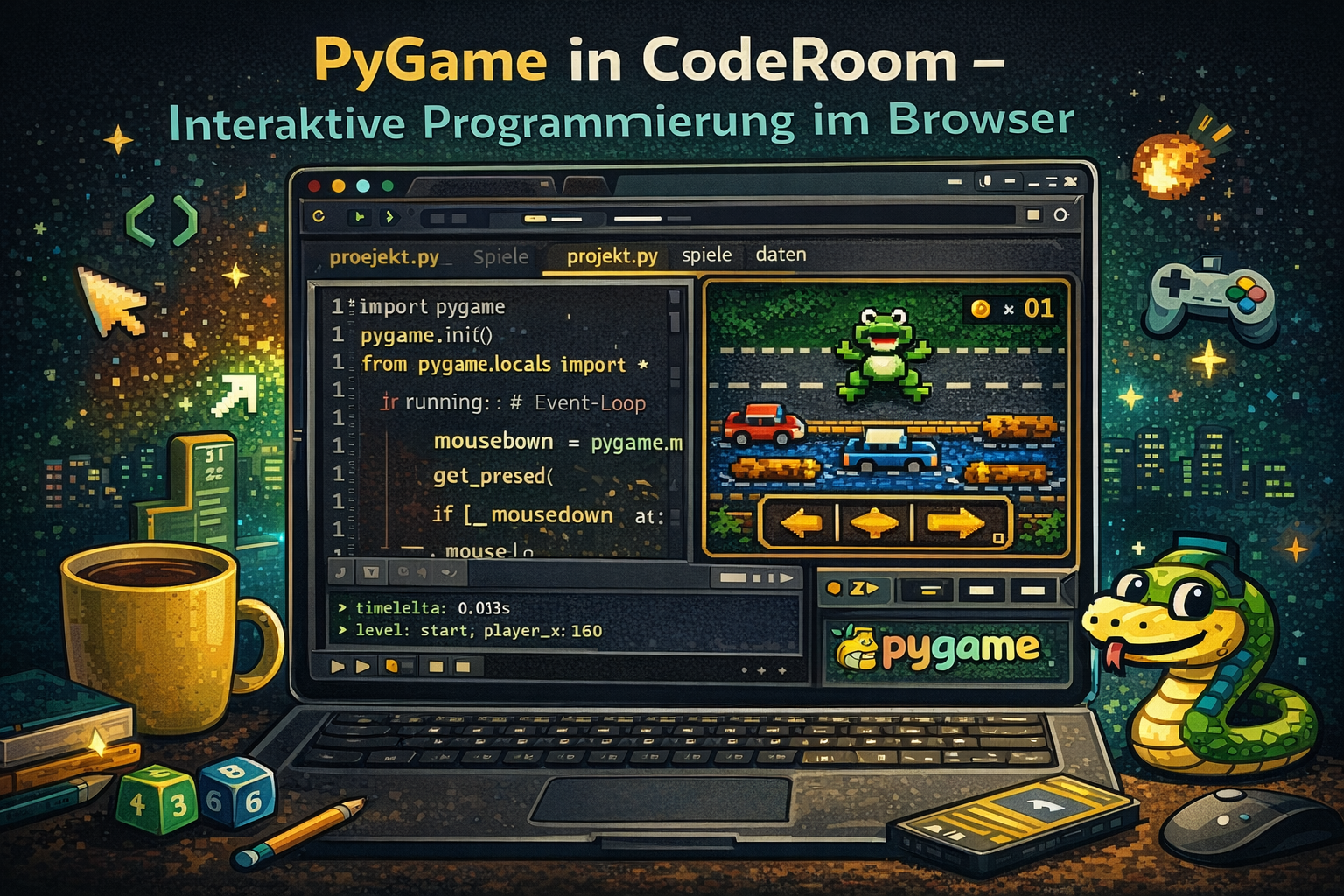
Games, simulations, and visualizations are among the most motivating topics in computer science education. CodeRoom makes pygame available directly in the browser – without local installation, without complicated setup, and with immediate visible results.
Our solution
The CodeRoom pygame Engine for education
CodeRoom provides a specially developed pygame engine that executes interactive Python programs directly in the browser. Learners can use typical pygame concepts and expand their own projects step by step.
No installation required
Projects start directly in the browser. Classes do not need to set up a local development environment and can immediately try out, change, and test.
Close to pygame
Game loops, sprites, rectangles, keyboard control, animations, collisions, and drawing functions remain as central concepts.
Optimized for education
The engine is designed for browser-based Python execution, visible results, and stable educational situations.
Motivation
Write code and see the effect immediately
When working on pygame projects, students experience firsthand how programming code moves figures, collides objects, or visibly changes simulations.
This supports fundamental computer concepts such as conditions, loops, functions, states, coordinates, events, and data structures in a particularly illustrative way.
- Game development in computer science class
- Physical and mathematical simulations
- Interactive models in natural sciences
- Creative coding projects with visible results
Interdisciplinary
Sandboxes for computer science, mathematics, and STEM
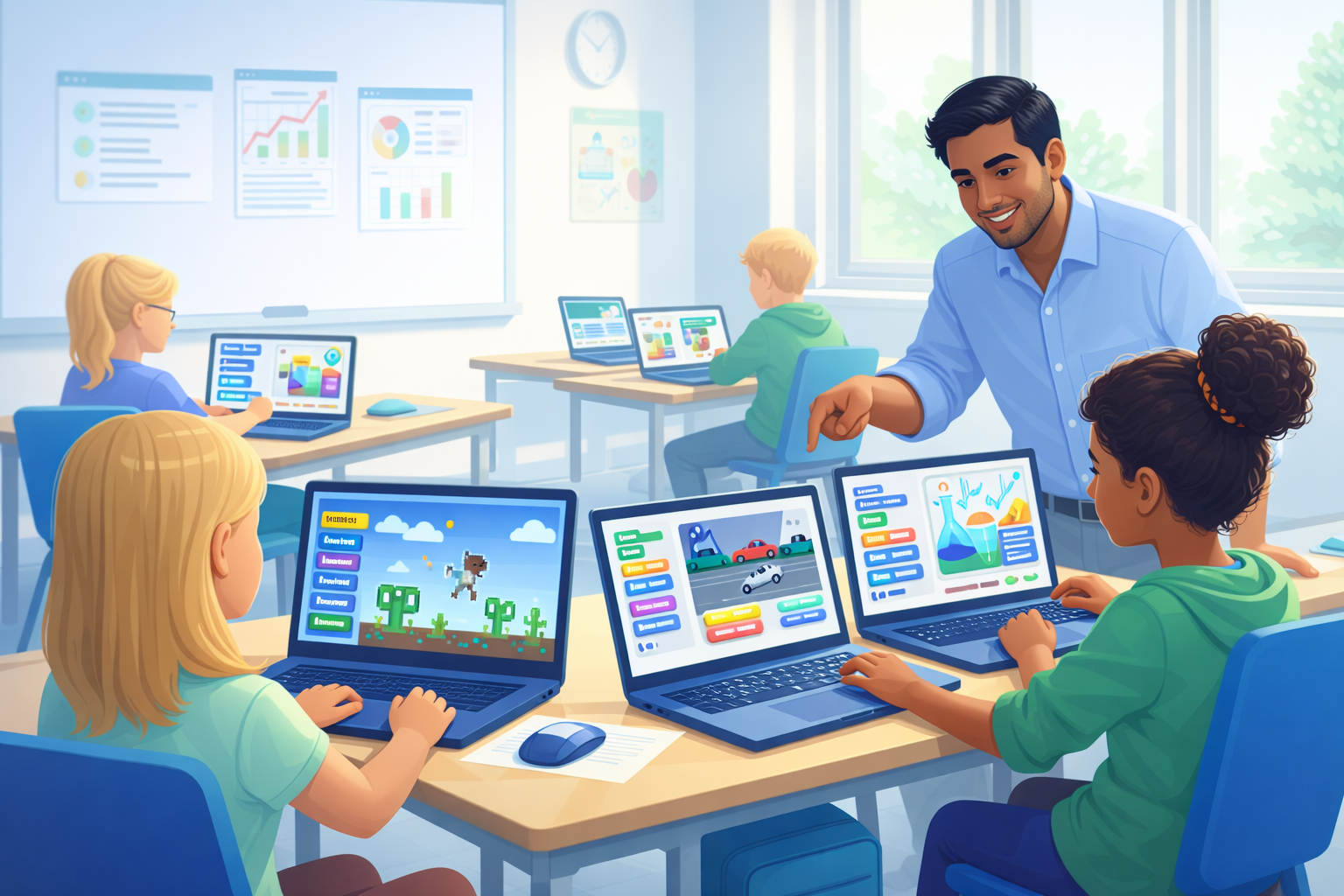
In addition to classical programming projects, CodeRoom supports prepared sandbox environments. This makes programming a tool for exploratory learning in various subjects.
Mathematics
Functions, geometry, random experiments, frequencies, vectors, and visual models can be programmed directly.
Physics
Motion, speed, forces, collision processes, energy, waves, and oscillations can be studied as simulations.
Computer science
Games, algorithms, object management, collisions, states, and creative visualizations become tangible projects.
Easy entry
frameCraft reduces the entry hurdle
For an especially simple introduction to class, there is additionally frameCraft Available. frameCraft extends pygame with a didactically reduced API featuring clear structures for scenes, objects, rules, and collisions.
So learners can develop their own games, simulations, and visualizations faster without having to work through technical engine details first.
AI and lesson preparation
Create your own pygame projects faster
With the integrated KI-Promptgenerator, teachers and learners can prepare, expand, and adapt their own pygame ideas to teaching situations.
New Projects
From an idea to structured start projects for games, simulations, visualizations, or sandbox tasks.
Adapt existing ones
Existing Python programs can be further developed for CodeRoom, pygame, or the teaching context.
Differenciate
Tasks can be easily simplified, expanded, or prepared for different learning groups.
Examples and projects
From games to simulations
The following projects show how versatile pygame can be used in CodeRoom: from classical games to physics models, mathematical experiments, and creative visualizations.
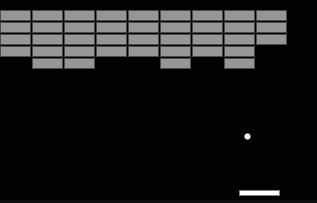
Breakout / Arkanoid
Object management, movement, and collisions in a classic game.
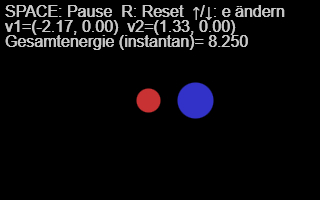
Collision and Energy
Physical simulation with energy loss and kinetic energy.

Wave packet
Superposition, movement, and visual representation of waves.
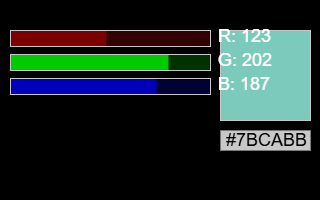
Additive color mixing
Interactively mix and visually understand RGB colors.
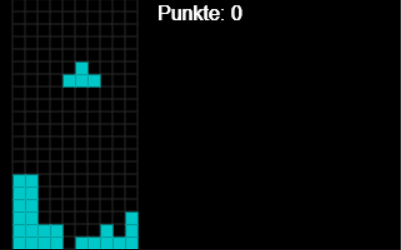
Tetris -> @@ITEM_0001@@Tetris (no translation needed, as it's a proper noun)
Matrices, rotations, states, and game logic in a project.

Function plotter
Mathematical functions to draw, change, and investigate.
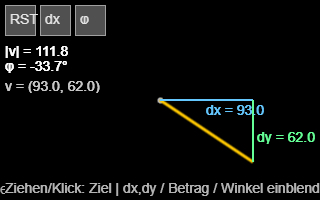
Vector decomposition
Experimentally represent vectors and understand components.
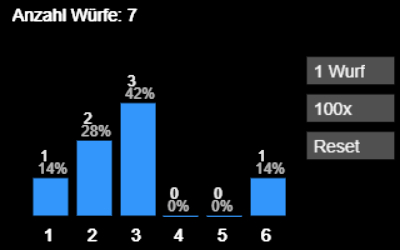
Randomness and frequencies
Simulate dice rolls, count, and evaluate frequencies.
Try it out directly
Start pygame projects without installation
CodeRoom makes interactive Python programming in the browser accessible: for games, simulations, visualizations, and creative lesson projects.