Teaching Computer Science – Without a Computer Room
CodeRoom

Teaching Computer Science – Without a Computer Room

Programming in the Browser Instead of in a Specialized Room

Programming lessons directly in the browser – on tablets, laptops, or existing school devices. No computer room required.

  • No Installation Required
  • Runs on All Devices
  • Immediately Ready to Use
Request Free Demo Access
Code Room – Computer Class without a Computer Room

Teaching Computer Science without a Computer Room

Code Room is a browser-based programming environment for schools that want to teach programming but do not have a fully equipped computer science room.

A Browser is Enough: Students start directly on tablets, existing laptops or BYOD devices – without installation, local setup, and complex IT preparation.

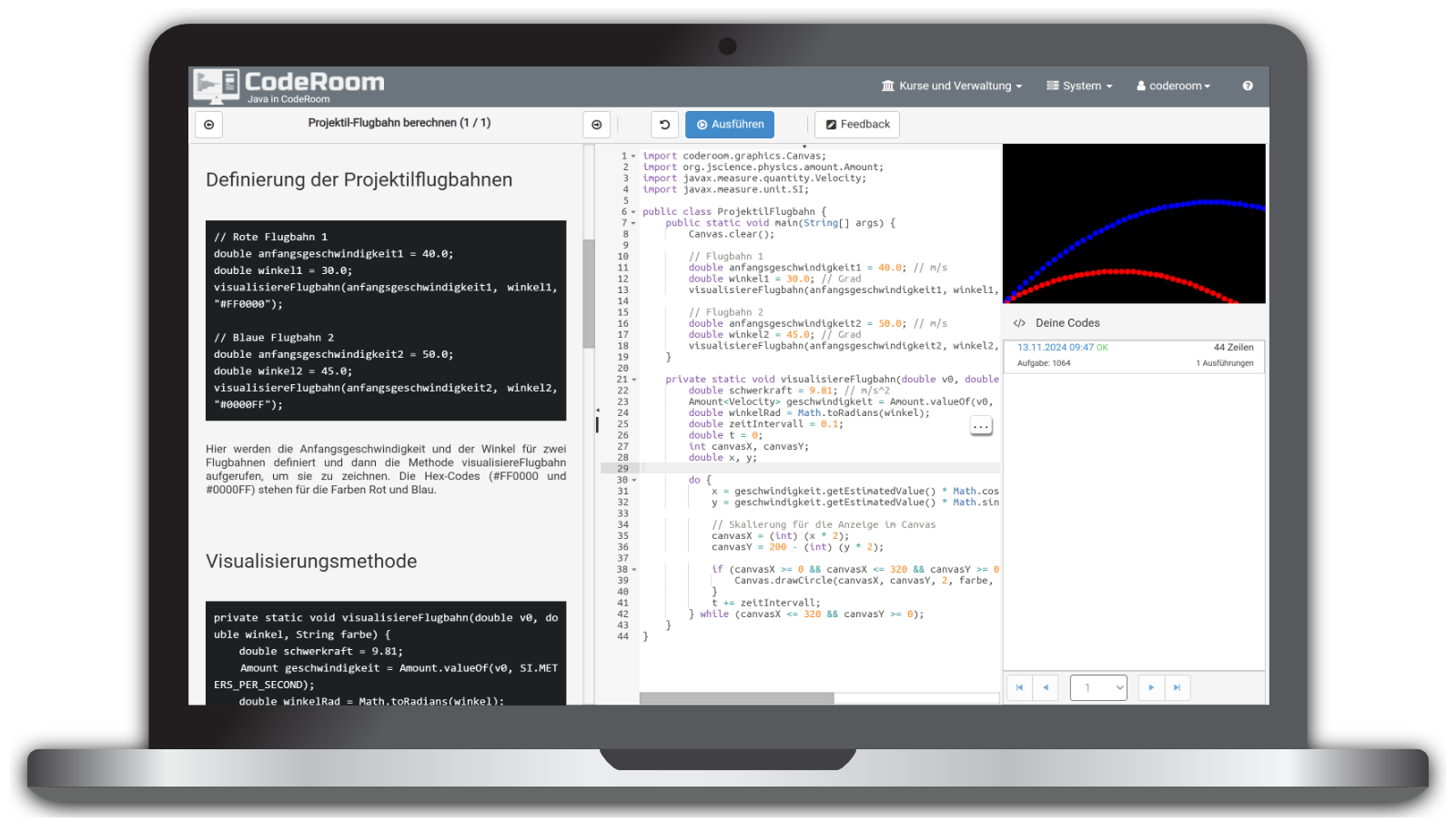
Code Room connects task assignment, code editor, and result area in one interface. This way, schools with limited equipment can offer structured computer science lessons.

Request Free Demo Access

Many Schools Want to Teach Computer Science – But the Equipment is Missing

Especially comprehensive schools, integrated schools and middle schools often face the same problem: computer science becomes more important, but there is no modern computer room, too few devices or no uniform technical environment.

At the same time, there are often enthusiastic computer science teachers or digital ambassadors who would start immediately – if the technical effort were not so high.

  • No Complete Computer Room: Lessons are still possible
  • Different Devices: Code Room runs in the browser on tablets, laptops and PCs
  • No Installation Required: no Python, no Java, no local IDE needed
  • Less IT Coordination: Lessons can be prepared and tested faster
  • Ready-made content: Teachers start with prepared courses and templates
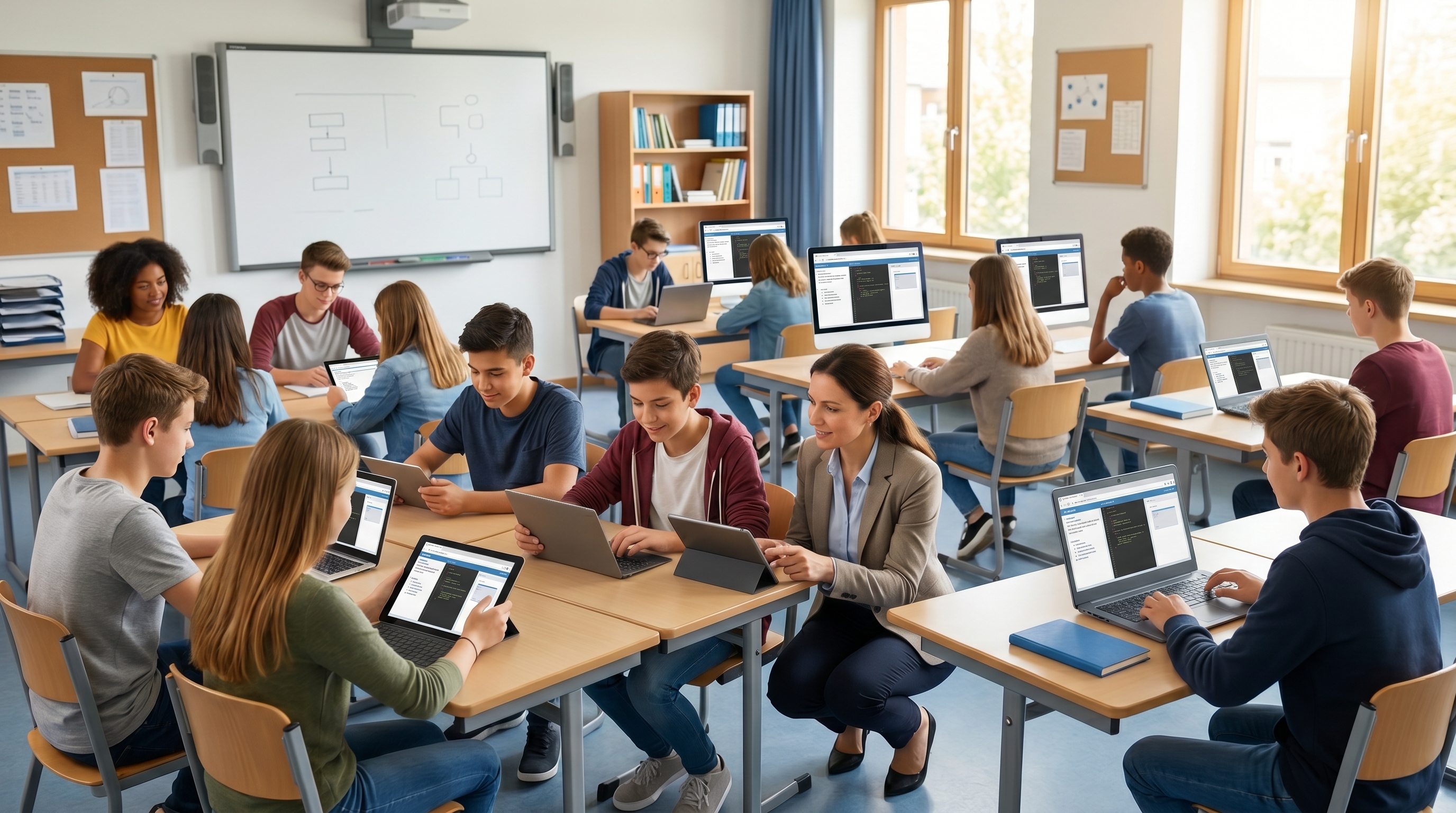
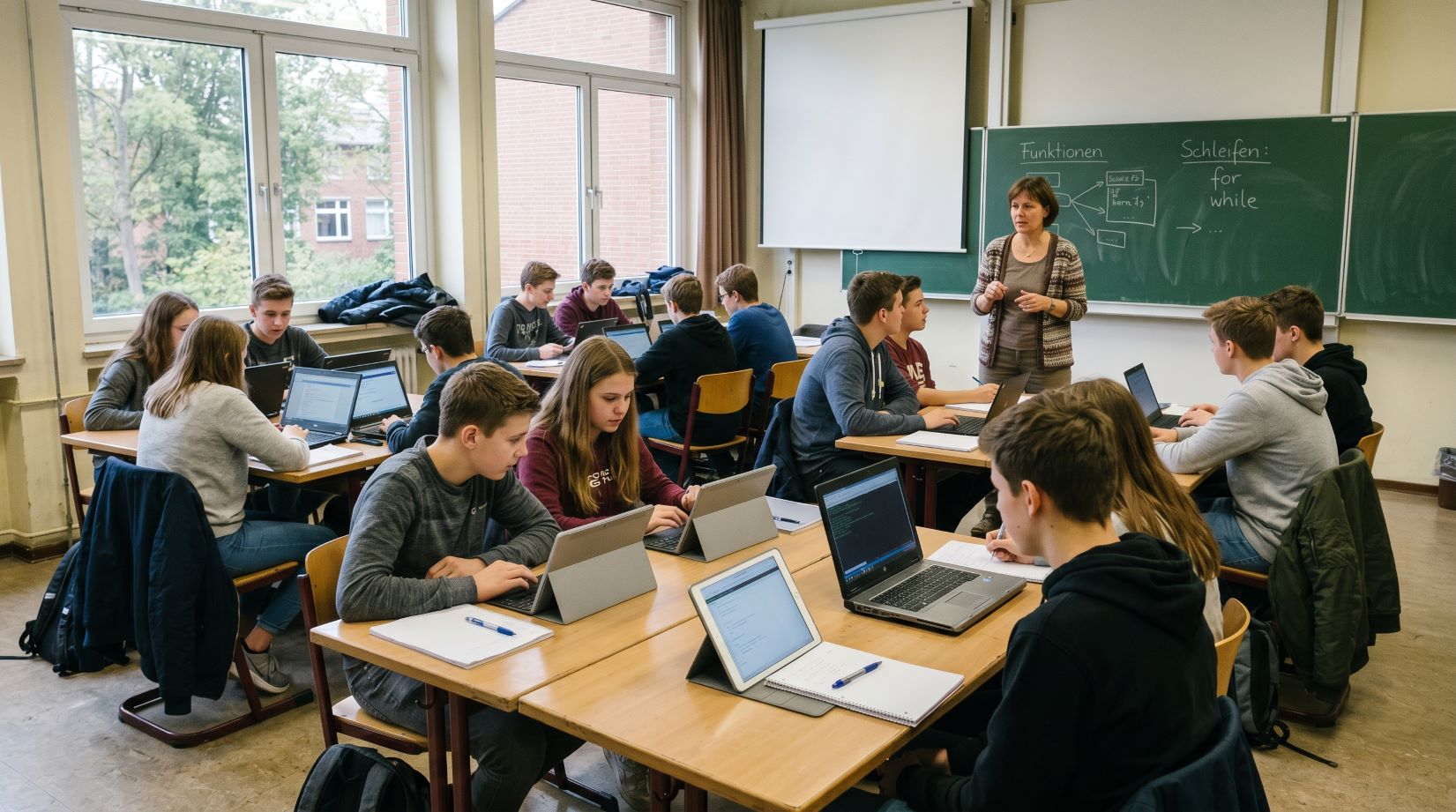
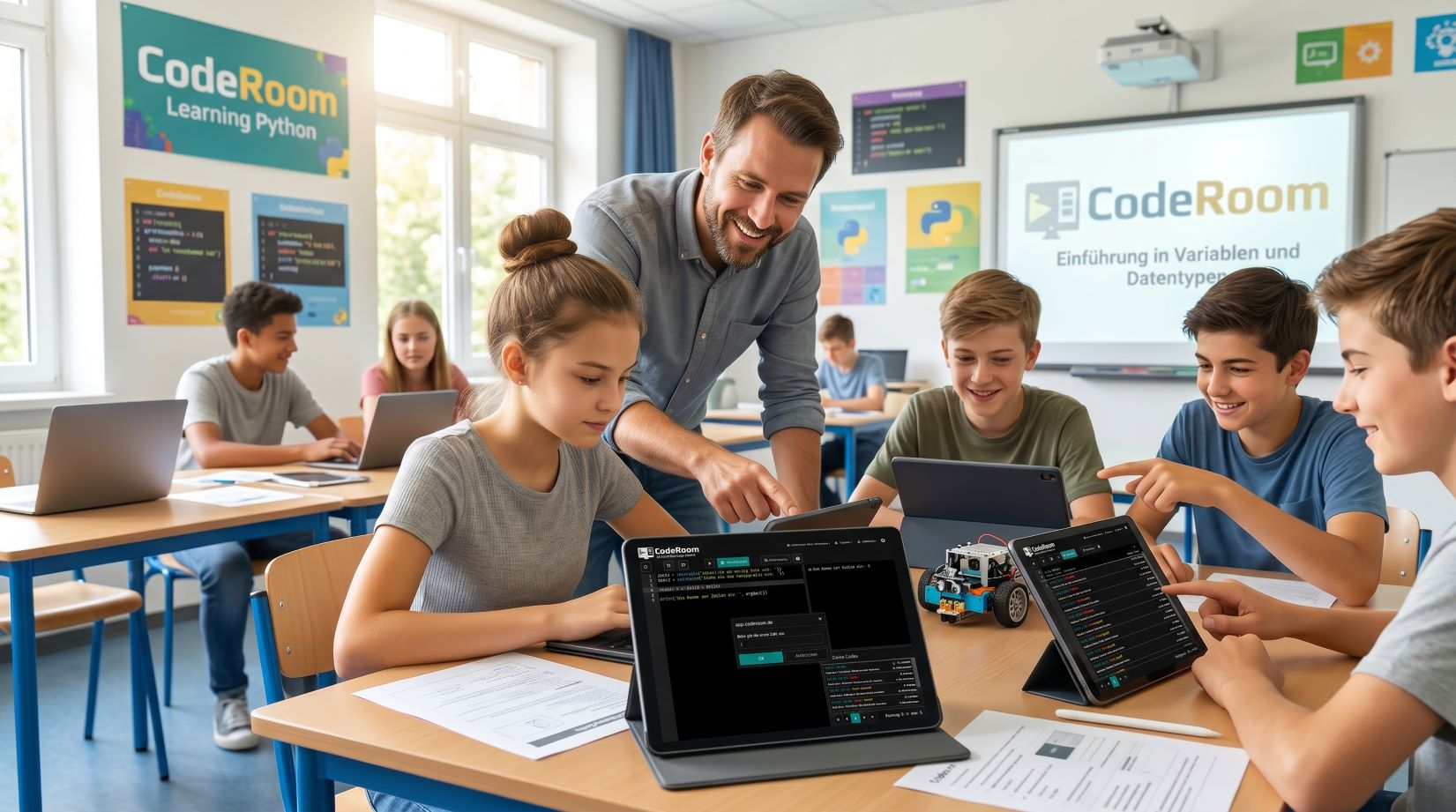
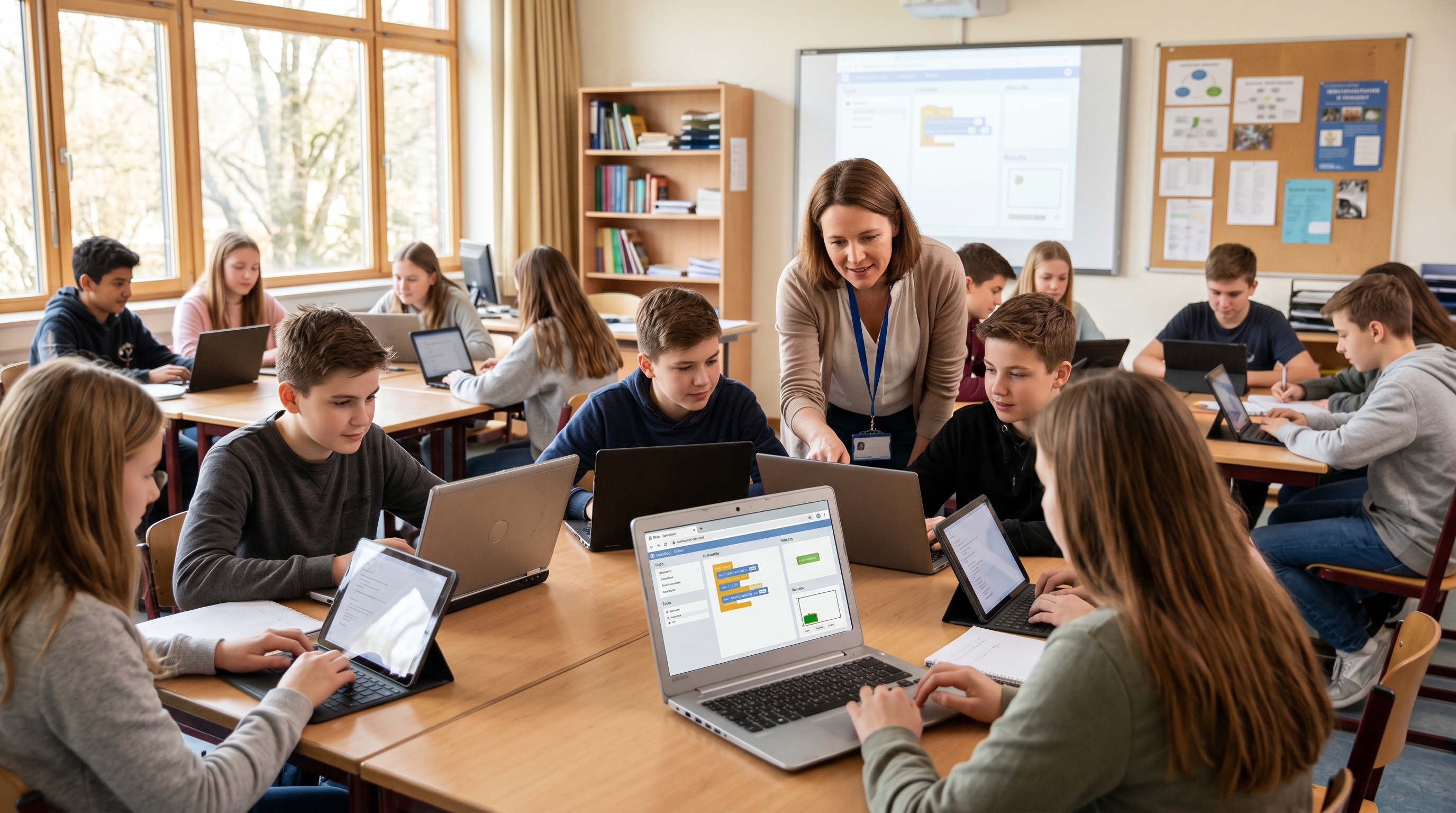
A school class without a traditional computer room uses CodeRoom
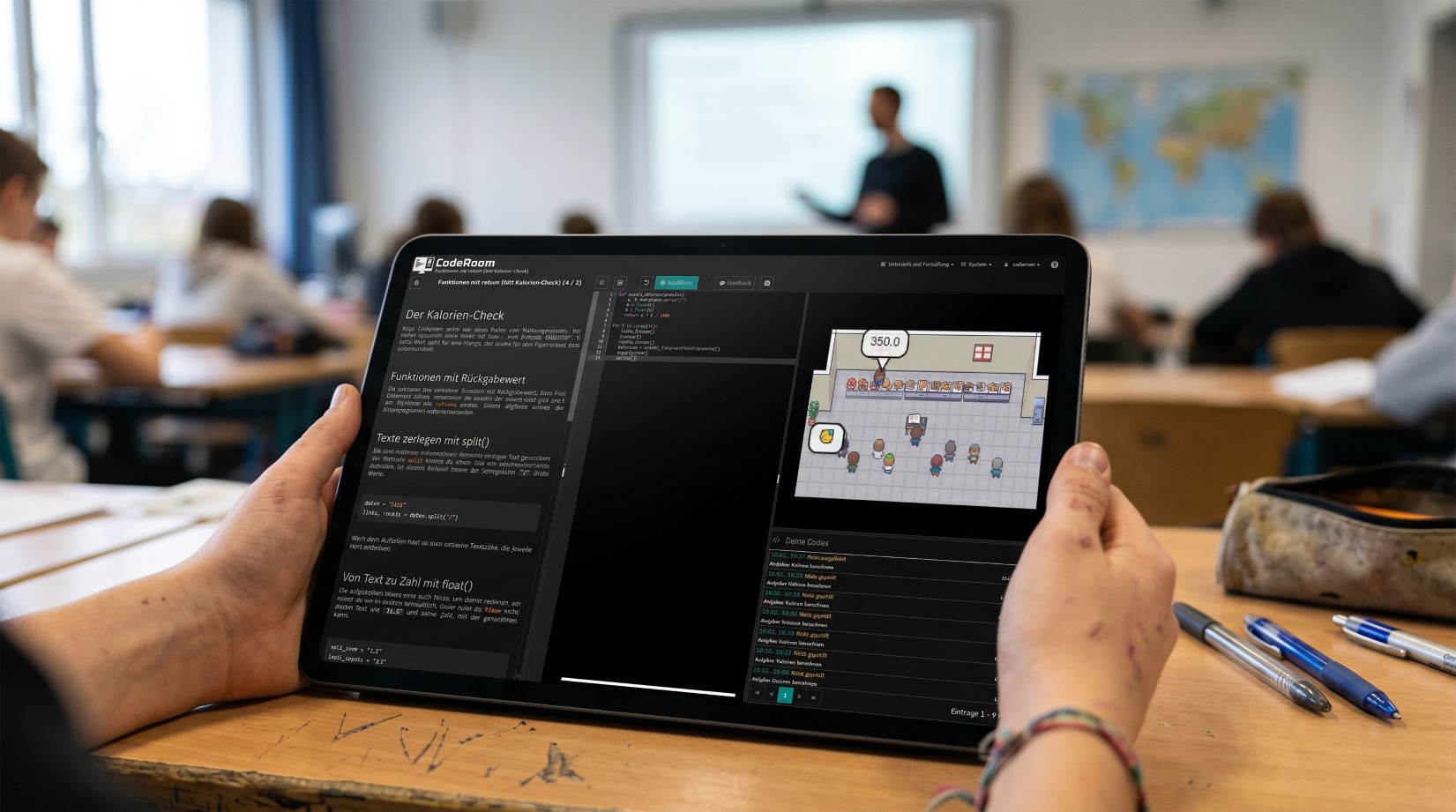
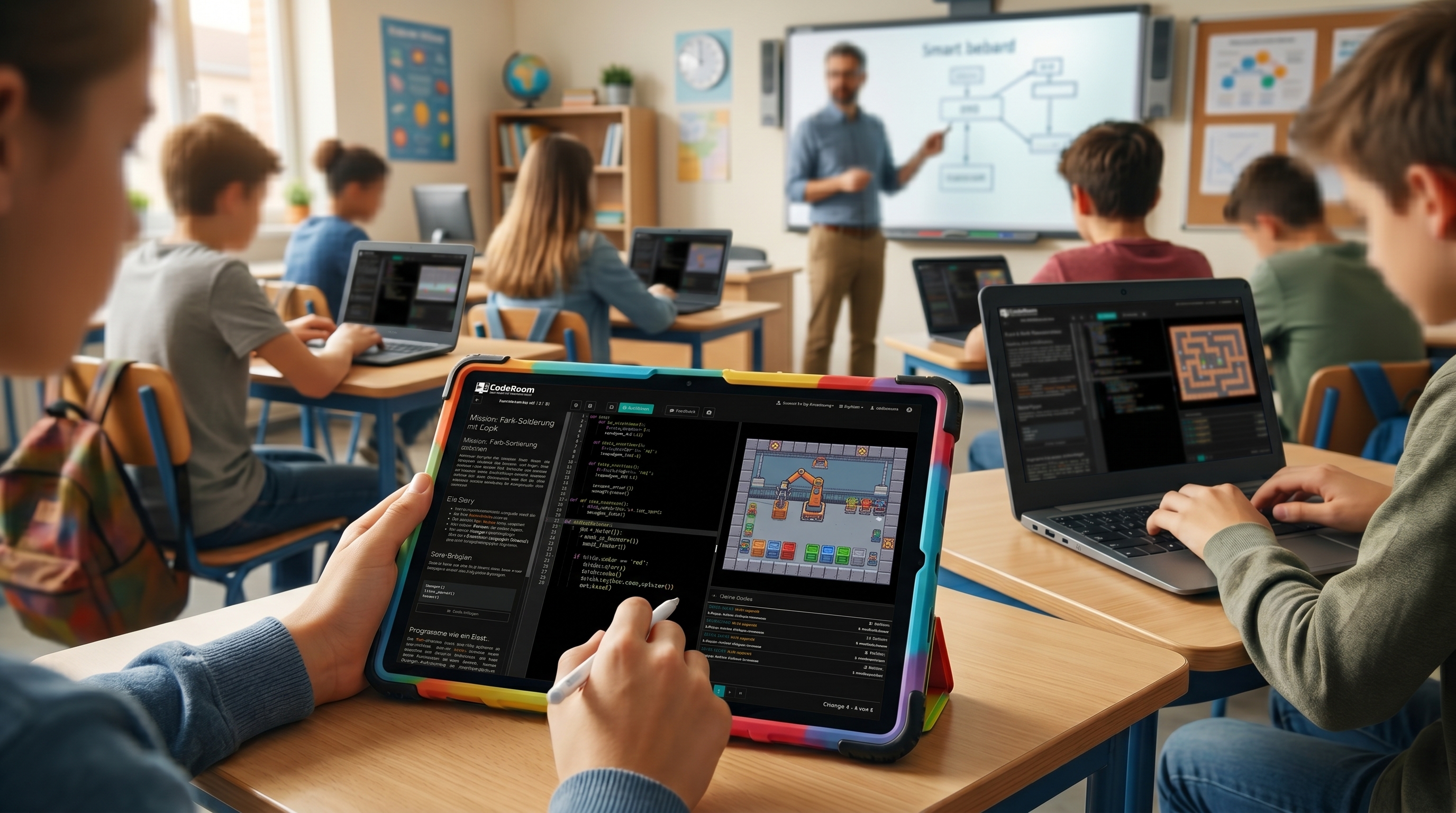
A browser is enough for programming lessons with CodeRoom

A browser is enough for a complete programming hour

CodeRoom makes computer science classes independent of the traditional computer room. Learners open a prepared lesson unit and can program directly.

  • Task, code, and result on one screen: No switching between multiple programs
  • Immediate execution: Students see directly what their code does
  • Ready-made lesson units: Basics, exercises, projects, and playful introductions
  • Suitable for heterogeneous classes: Clear structure, small steps, and visible results
  • Ideal for tablets: Entry without local development environment

This is how "We have no equipment" becomes a manageable entry into real programming lessons.

Is CodeRoom suitable for your school?

Find out about the possibilities for schools – or start directly with a free demo access.

View prices

How to use CodeRoom at schools

Introduction to programming with CodeRoom

Introducing programming

Variables, conditions, loops, functions, and simple projects are explained step by step and directly tried out.

Player-Centric Programming Education with CodeRoom

Motivate through Play

With projects like Linus Lag, pygame, frameCraft or rpgDungeon(), learners experience firsthand how code generates movement, rules, and interaction.

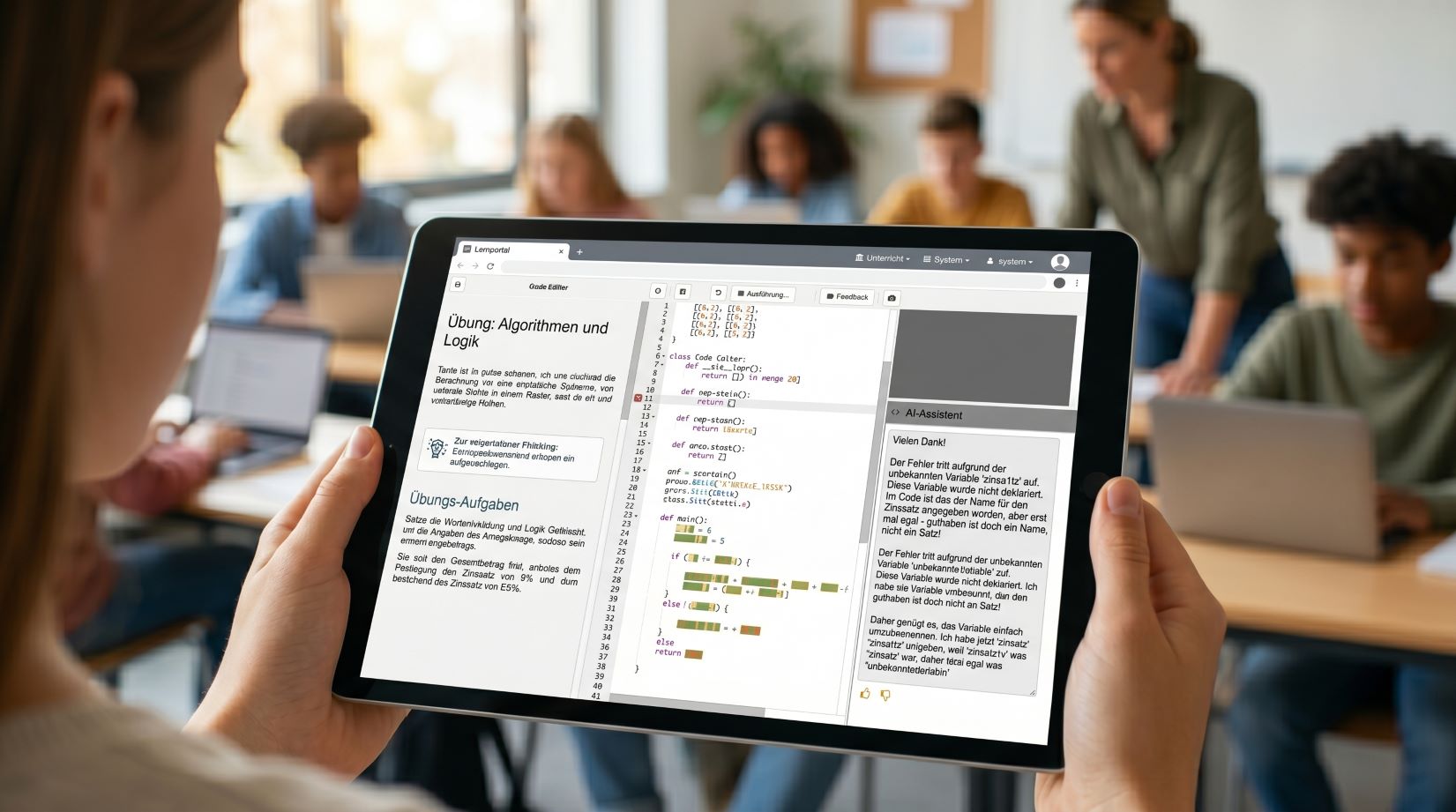
AI-Assisted Error Support in Computer Science Classrooms

Explain Errors Clearly

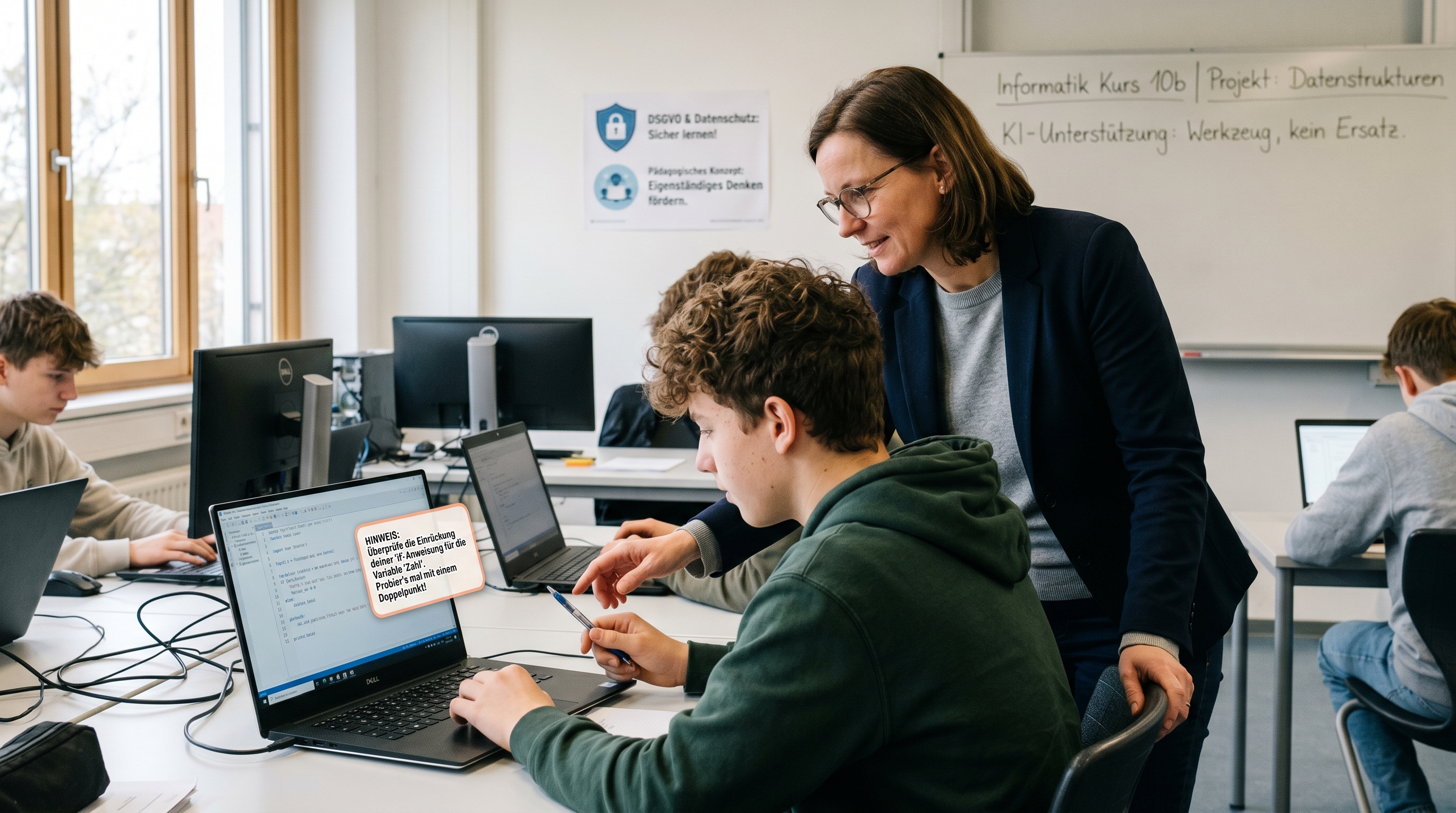
The integrated AI support can explain error messages and provide targeted hints – directly within the learning environment.

CodeRoom for Project Days and Workshops

Conduct Project Days & workshops

CodeRoom is also suitable for MINT days, elective courses, computer science AGs or workshops – upon request, even without individual setup.

Why CodeRoom is particularly suitable for comprehensive schools and integrated secondary schools

CodeRoom is not just a technical environment but a practical solution for schools that want to offer computer science, despite limited equipment, time, and personnel.

  • For schools without a computer science room: Programming education works with existing devices and browser access.
  • For individual computer science teachers: Prepared content reduces preparation time and facilitates entry.
  • For heterogeneous learning groups: Step-by-step tasks, direct feedback, and visual results help understanding.
  • For school administrations: CodeRoom enables computer science offers without major hardware investments.
  • For data protection requirements: Use in a school-friendly, controlled environment.
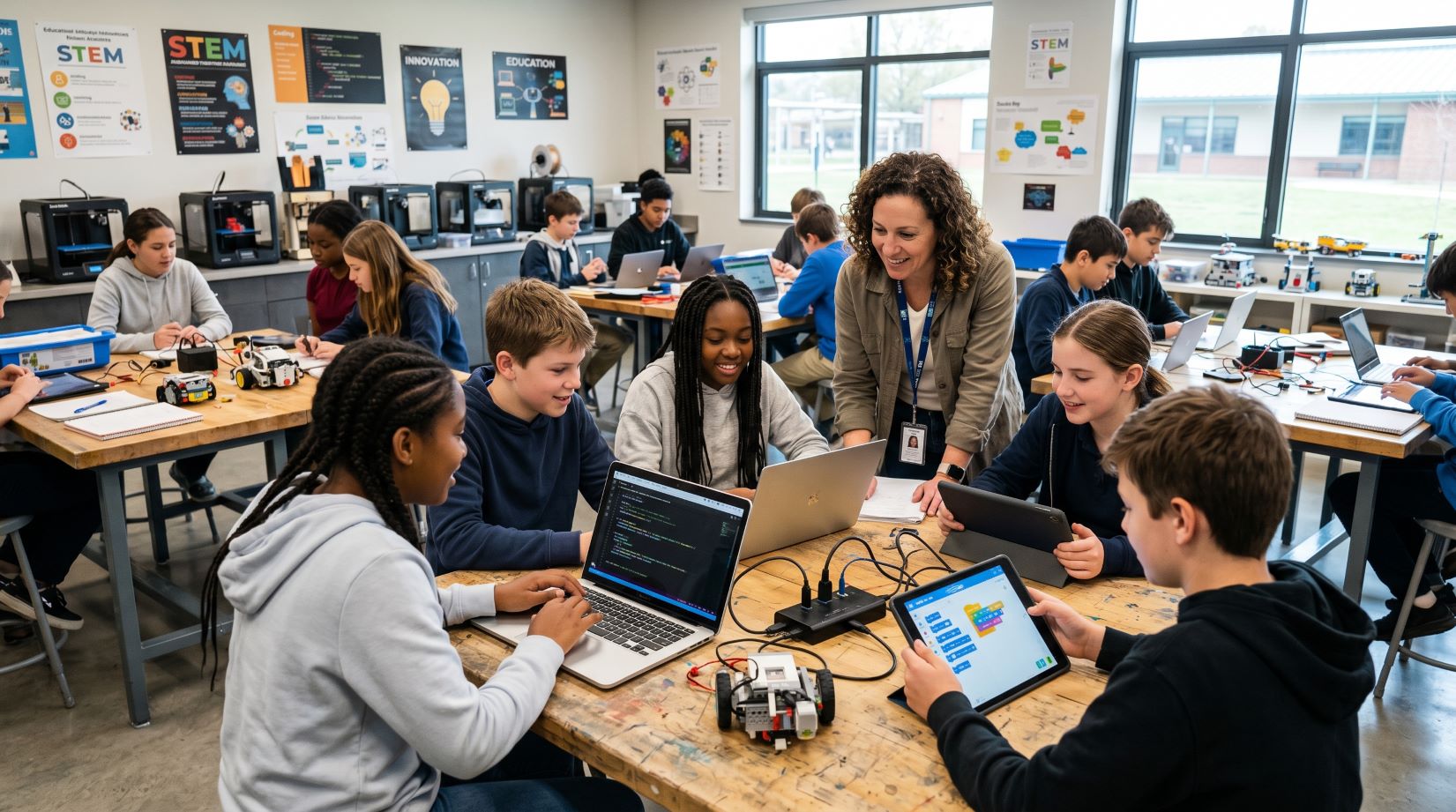
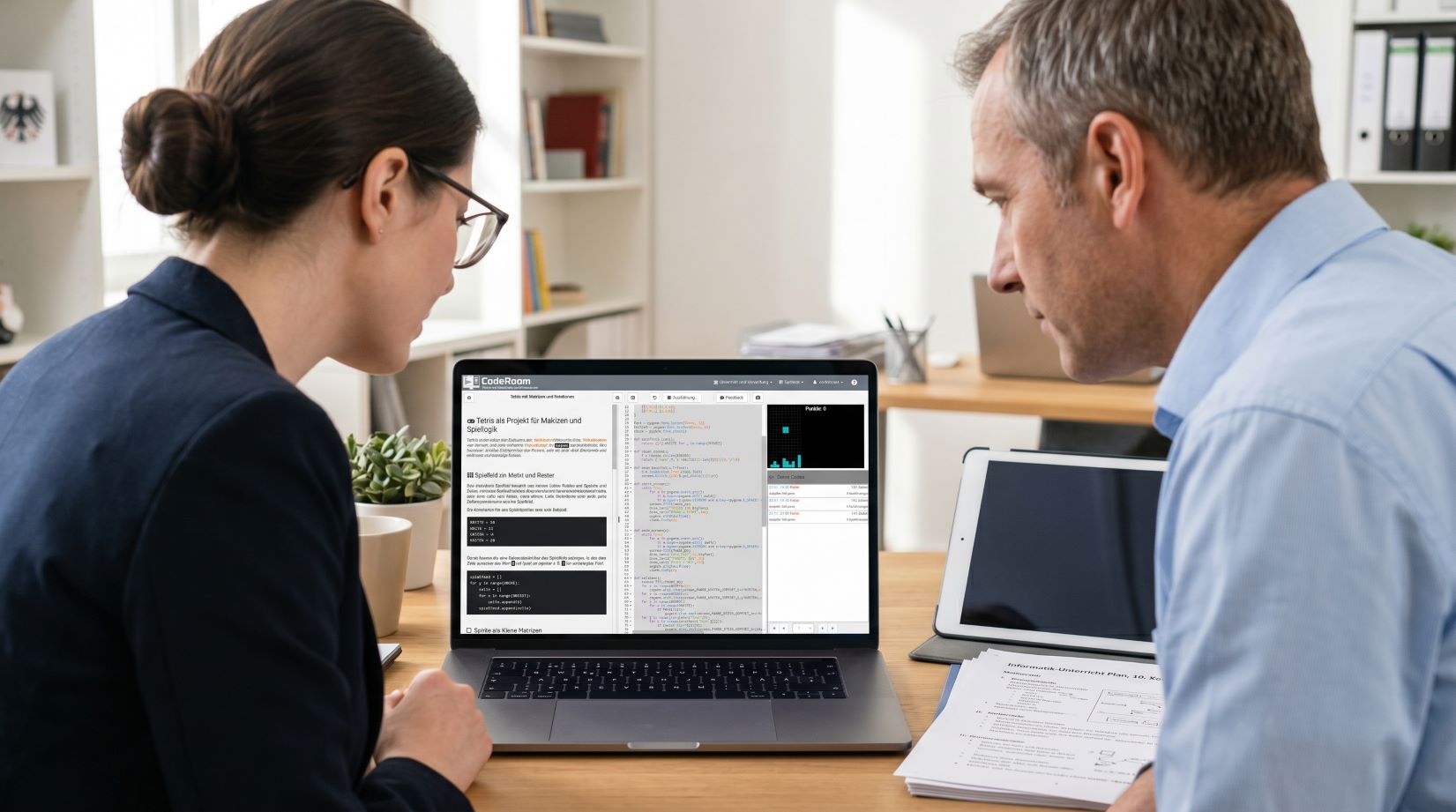
Teacher and school leadership plan computer science lessons with CodeRoom

Additional school templates for an easy start

For the campaign, additional compact templates are suitable that specifically show how computer science can become immediately practical without a computer room.

  • First hour of Python without installation: Output, variables, and small calculation programs directly in the browser
  • Tablet-friendly mini-projects: short tasks with visible results and little typing effort
  • Programming with decisions: if/else understand through small everyday and game examples
  • Labyrinth and orientation: loops, conditions, and logical thinking exercised in a playful way
  • Understanding data with small tables: simple evaluations, diagrams, and everyday data
  • KI reflects use: simple prompting and error assistance tasks in a protected environment

These contents can be quickly prepared with prompt-based lesson creation and used as demo lessons for schools.

KI support for computer science lessons with CodeRoom

KI support that fits into the lesson

Many learners fail at programming not due to the task, but due to error messages, small typing errors, or lack of orientation. CodeRoom can provide targeted support here.

  • Error assistance: understandable hints for typical error messages
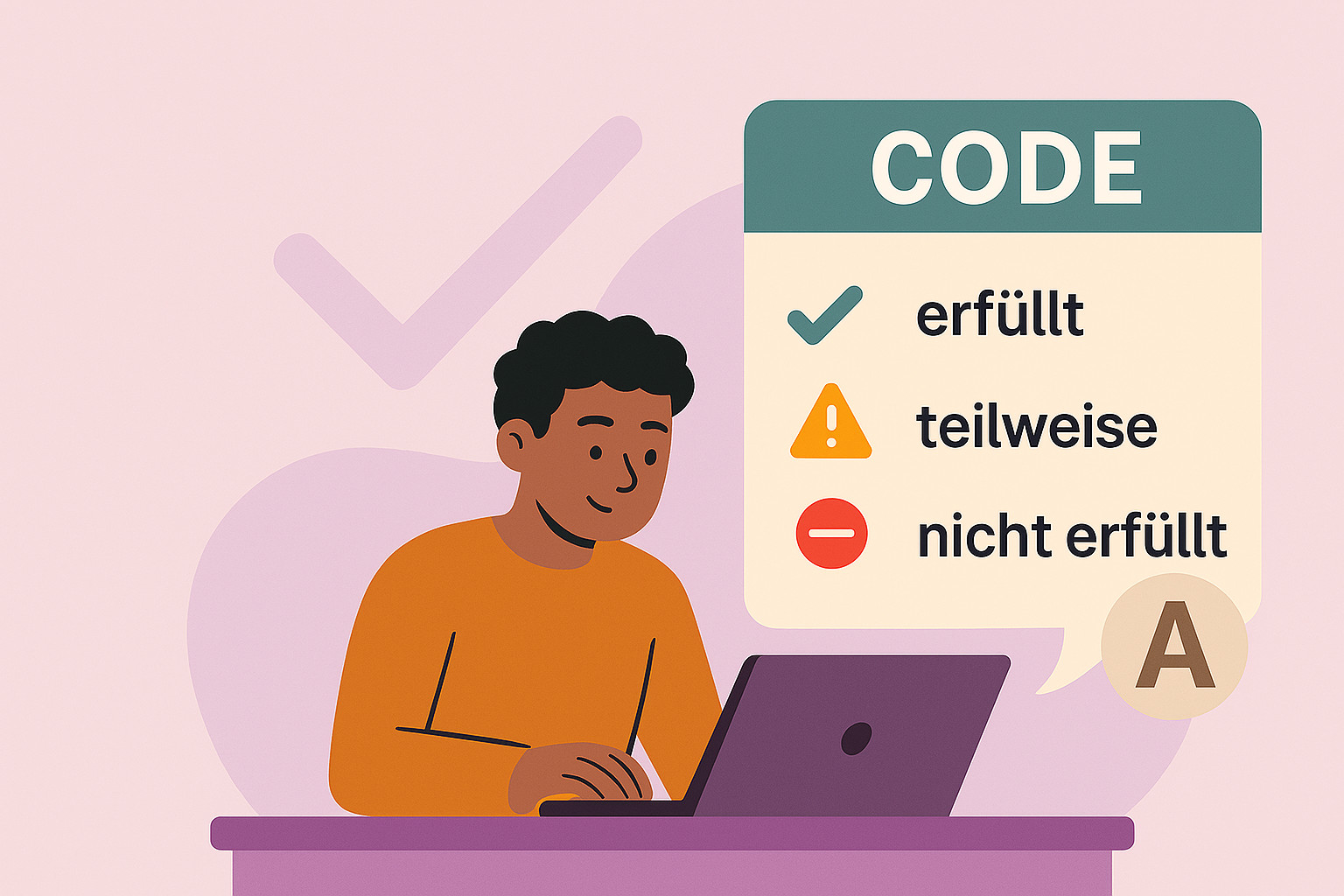
  • Code evaluation: automatic feedback on whether a task was fully or partially completed
  • KI mode: controlled prompting exercises without switching to external chats
  • Lesson creation: Teachers can prepare suitable content faster

The teacher remains at the center – AI supports where individual help would be needed in class.

School-friendly, data-protective, and low-threshold

Just schools need solutions that not only technically work but are also organizationally realistic. CodeRoom is designed to be quickly deployable and school-compatible.

  • Directly in the browser: no local development environment required
  • Data protection regulation-oriented: suitable for educational use and controlled access
  • Optional Kiosk mode: helpful for workshops, project days, and open offers
  • SSO connections: for example via Eduplaces and VIDIS possible
  • Barrier-free entry: clear interface, structured tasks, and immediate feedback
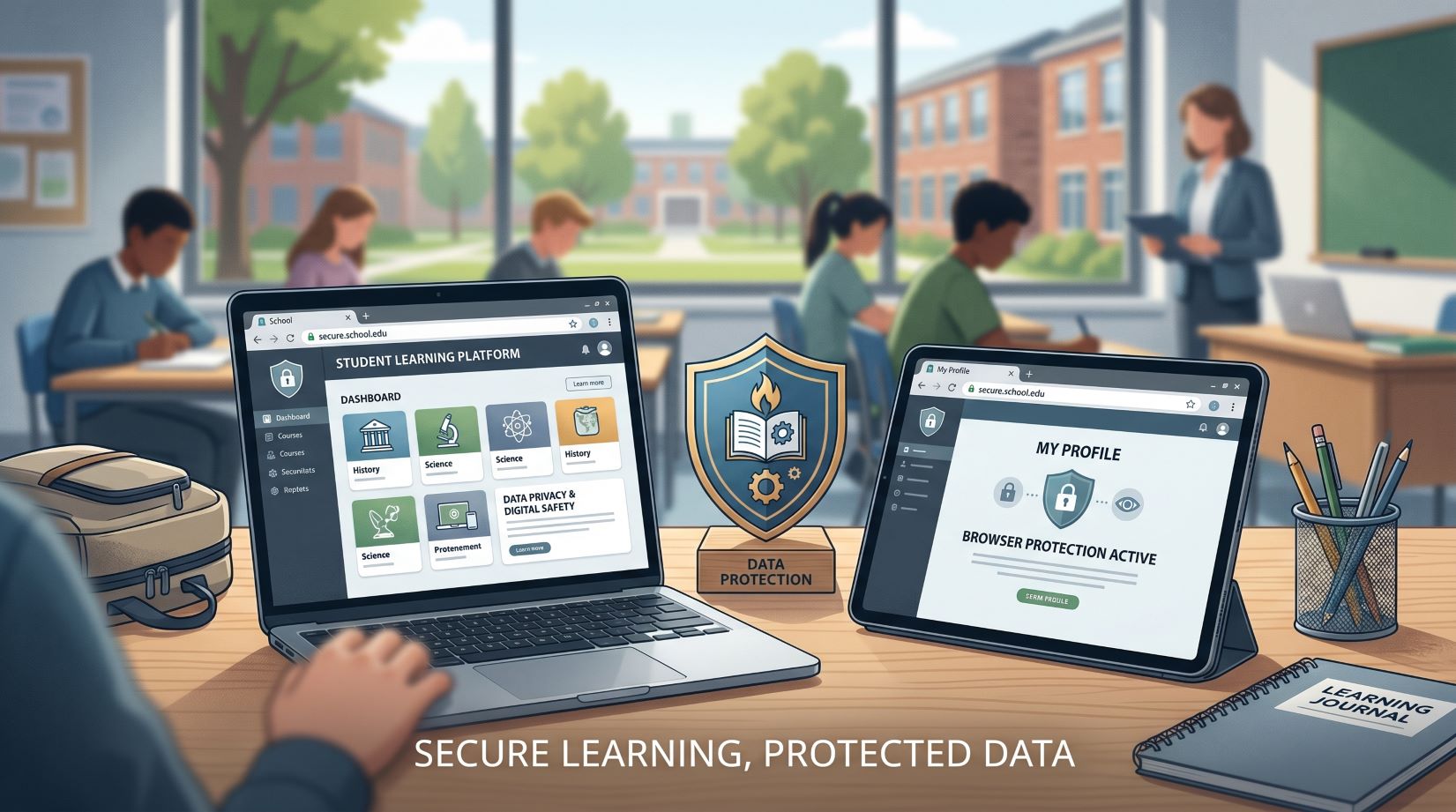
Data-protective browser-based programming environment for schools
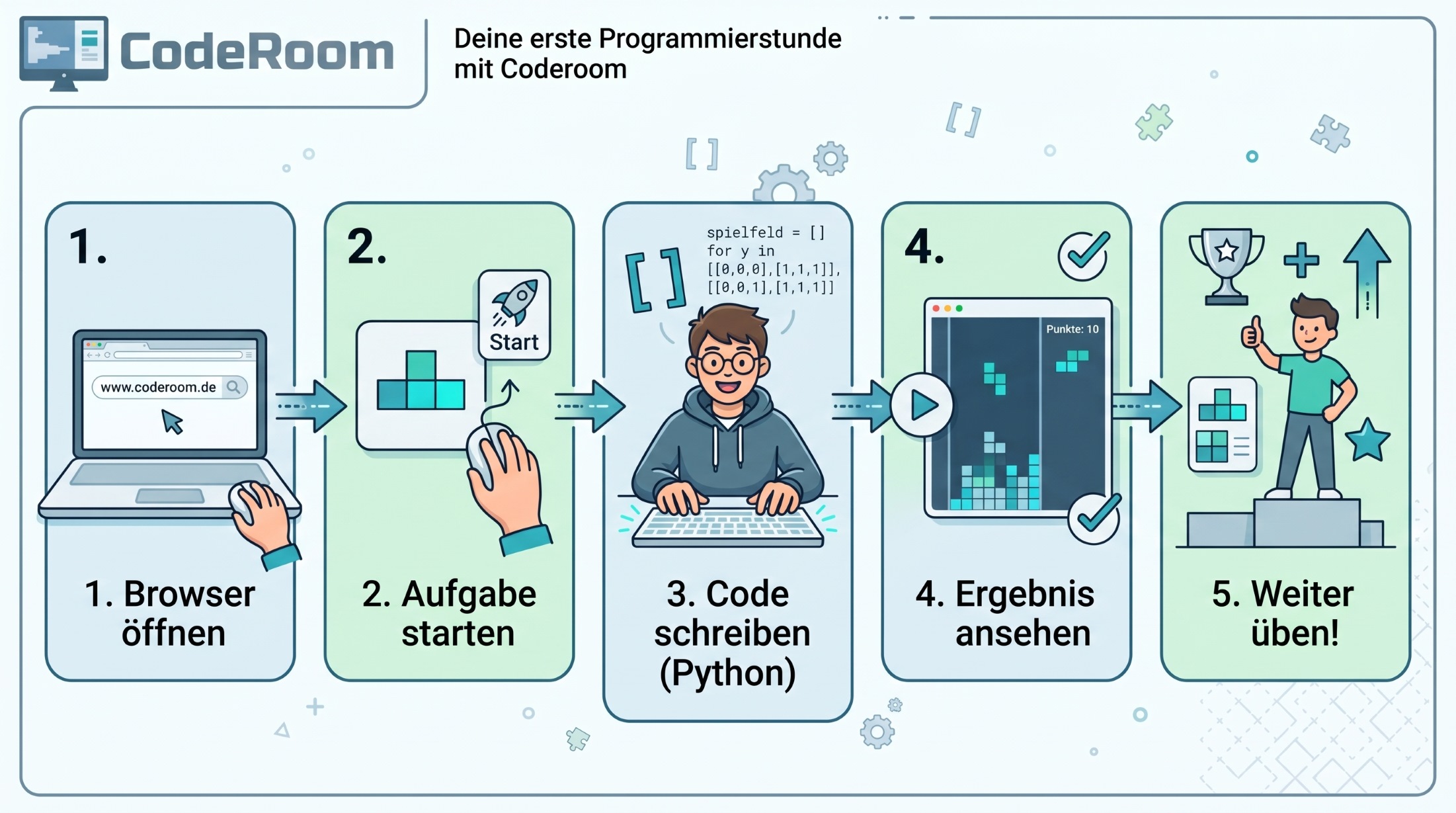
Workflow for the first computer science lesson with CodeRoom

From zero to the first programming hour

  • 1. Open demo access: Teacher gains access to a prepared environment.
  • 2. Select teaching unit: for example, Python introduction, Linus Lag, or secret scripts.
  • 3. Share link or access: learners start on existing devices in the browser.
  • 4. Program together: Task, code, and output are directly visible.
  • 5. Deepen or adjust: Contents can be expanded, copied, and adjusted to the learning group.

The goal is not a large system change, but a quick and successful introduction.

Demo access to CodeRoom for schools

Start with a ready-made lesson hour

The entry into CodeRoom should be as low-threshold as possible. That's why a free demo access with prepared contents is particularly suitable for schools.

Test CodeRoom with a class, in a working group or initially alone as a teacher. You will quickly see if the browser-based environment fits your equipment.

Ideal for schools that want to offer computer science but do not have a fully equipped computer room.

Support for teachers and schools

We support schools in their entry – from selecting suitable lesson units to preparing the first test hour.

  • Recommendation of suitable introductory courses for your grade level
  • Support with demo accesses and pilot phases
  • Materials for computer science lessons, working groups, and project days
  • Optional adjustment of contents to your learning group
  • Consultation for schools without their own computer room