Scratch with CodeRoom
What is Scratch?
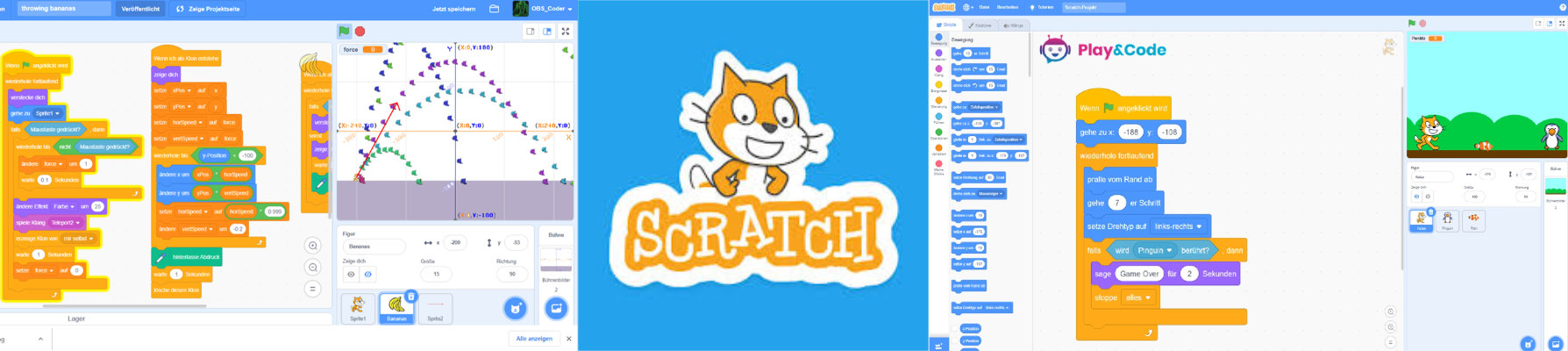
Scratch is a visual programming language developed by the Lifelong Kindergarten Group at the MIT Media Lab. The goal of Scratch is to make programming accessible and fun for children and teenagers. The user interface allows users to create programming commands by combining colorful blocks instead of writing text-based code. This enables even younger students to create complex programs without prior programming knowledge.
Origin and Development
Scratch was first released in 2007 and has since undergone several updates, with the latest version being Scratch 3. This version offers an expanded functionality, including the ability to interact with various hardware devices such as microcontrollers, and improved support for mobile devices.
Capabilities and Applications
With Scratch, users can create a wide range of projects, including interactive stories, games, animations, and simulations. The programming language promotes creative thinking, systematic experimentation, and problem-solving.
Benefits of Scratch:
- Ease of use: The visual block programming makes it easy to understand complex concepts.
- Accessibility: Scratch is free and can be used on most computers and tablets.
- Community: Scratch has a large online community where users can share their projects and learn from others.
- Interactive Applications: Scratch is not only used in computer science classes but also in subjects like mathematics, natural sciences, and art to create interactive projects that support learning.
Areas of Application:
- Education: Scratch is used worldwide in schools and educational institutions to teach students the basics of programming.
- Leisure time: Children and adolescents also use Scratch at home to develop and share their own creative projects.
- Workshops and camps: Many extracurricular programs and summer camps offer Scratch workshops to teach children programming skills in a playful way.
Projects that are possible with Scratch:
- Games: From simple games like “Rock-Scissors-Paper” to more complex platformers.
- Animations: Creating animated stories and short films.
- Interactive Stories: Developing interactive narratives where the user makes decisions that influence the story’s progression.
- Simulations: Building simulations to illustrate scientific concepts and processes.
- Music and Art: Programming musical compositions and visual artworks.
Scratch with CodeRoom
CodeRoom integrates Scratch 3 seamlessly into its environment, allowing schools to display Scratch as part of the main menu. This integration enables students to access and work on Scratch within the CodeRoom platform without leaving it.
In addition, CodeRoom provides Scratch via a special URL that contains the name of the school or a specific subdomain of the school (e.g. informatik.your-school.de/scratch). This allows Scratch to be used independently of the CodeRoom programming environment in internal platforms of the school.
This flexible provision of Scratch supports schools in conveying programming knowledge in various contexts and promotes creative use of technology in teaching.
With the integration of Scratch into CodeRoom, we offer schools a powerful platform to make it easier for students to get started with programming and promote their creative abilities.